If you’ve ever thought, “I love playing League — why not share it?”, this guide is for you.
Streaming League of Legends on Twitch or YouTube isn’t just about hitting “Go Live.” It’s about creating a professional setup, optimizing your stream quality, and building a community that actually sticks around.
This complete guide covers everything you need to know about how to stream LoL on Twitch and YouTube — from technical setup and overlays to content growth, engagement, and monetization.
1. Choosing Between Twitch and YouTube
Both platforms are excellent, but they cater to slightly different goals.
Twitch – Best for Interaction
✅ Real-time engagement
✅ Built-in gamer audience
✅ Easier discovery via categories (e.g., “League of Legends”)
❌ Harder to grow without consistency
YouTube – Best for Longevity
✅ Higher video quality & discoverability
✅ Easier to repurpose clips
✅ Better algorithm support for growth
❌ Less real-time community focus
Pro Tip: Stream on YouTube for long-term growth and Twitch for community building — or use restream tools to do both.
2. Streaming Software Setup
You’ll need broadcasting software that captures your gameplay and sends it to your chosen platform.
Recommended Tools:
- OBS Studio (Free) – The go-to for most LoL streamers.
- Streamlabs Desktop – Easier for beginners, includes chat, alerts, and themes.
- XSplit Broadcaster – User-friendly, but premium-based.
Setup Steps (OBS Example):
- Download and install OBS Studio.
- Add your Display Capture or Game Capture source.
- Connect your Twitch or YouTube Stream Key under Settings → Stream.
- Add Audio Input/Output Capture for mic and game sound.
- Adjust your scenes (starting soon, gameplay, BRB, etc.).
3. Best Stream Settings for League of Legends
You don’t need a NASA PC to stream, but balanced settings make a huge difference.
| Category | Recommended Setting |
|---|---|
| Resolution | 1920×1080 |
| Frame Rate | 60 FPS |
| Bitrate (1080p) | 6000 kbps |
| Encoder | NVENC (for NVIDIA) or x264 |
| Keyframe Interval | 2 |
| Audio Bitrate | 160 kbps |
In-Game Settings:
- Keep League on Borderless Windowed for smoother capture.
- Disable frame caps above 120 for consistent encoding.
Pro Tip: Set your OBS to “Output → Advanced → Keyframe 2” for YouTube compatibility.
4. Creating an Engaging Stream Layout
Your overlay is your visual identity — clean, readable, and unique.
Must-Have Elements:
- Webcam frame (optional but adds personality)
- Chat box (transparent or minimal)
- Stream alerts (follows, subs, donations)
- Current music track (optional)
- Social media / Discord handles
Design Tips (LoL Theme):
- Use gold accents (#C9A86A) for League branding
- Keep text legible (avoid bright backgrounds)
- Include subtle Summoner’s Rift or champion silhouettes
Recommended free overlay sites:
- NerdOrDie.com
- OWN3D.tv
- Visuals by Impulse
5. Setting Up Audio for Professional Quality
Audio quality often separates amateur streams from professional ones.
Basic Setup:
- Use a condenser mic (Blue Yeti, Fifine, HyperX Quadcast).
- Place mic 6–8 inches from your mouth.
- Add noise suppression and compressor filters in OBS.
- Mute in-game pings during commentary.
Optional Tools:
- Voicemeeter Banana – Control multiple audio sources.
- NVIDIA Broadcast – Removes background noise (perfect for fans/keyboards).
Remember: bad video is forgivable, bad audio isn’t.
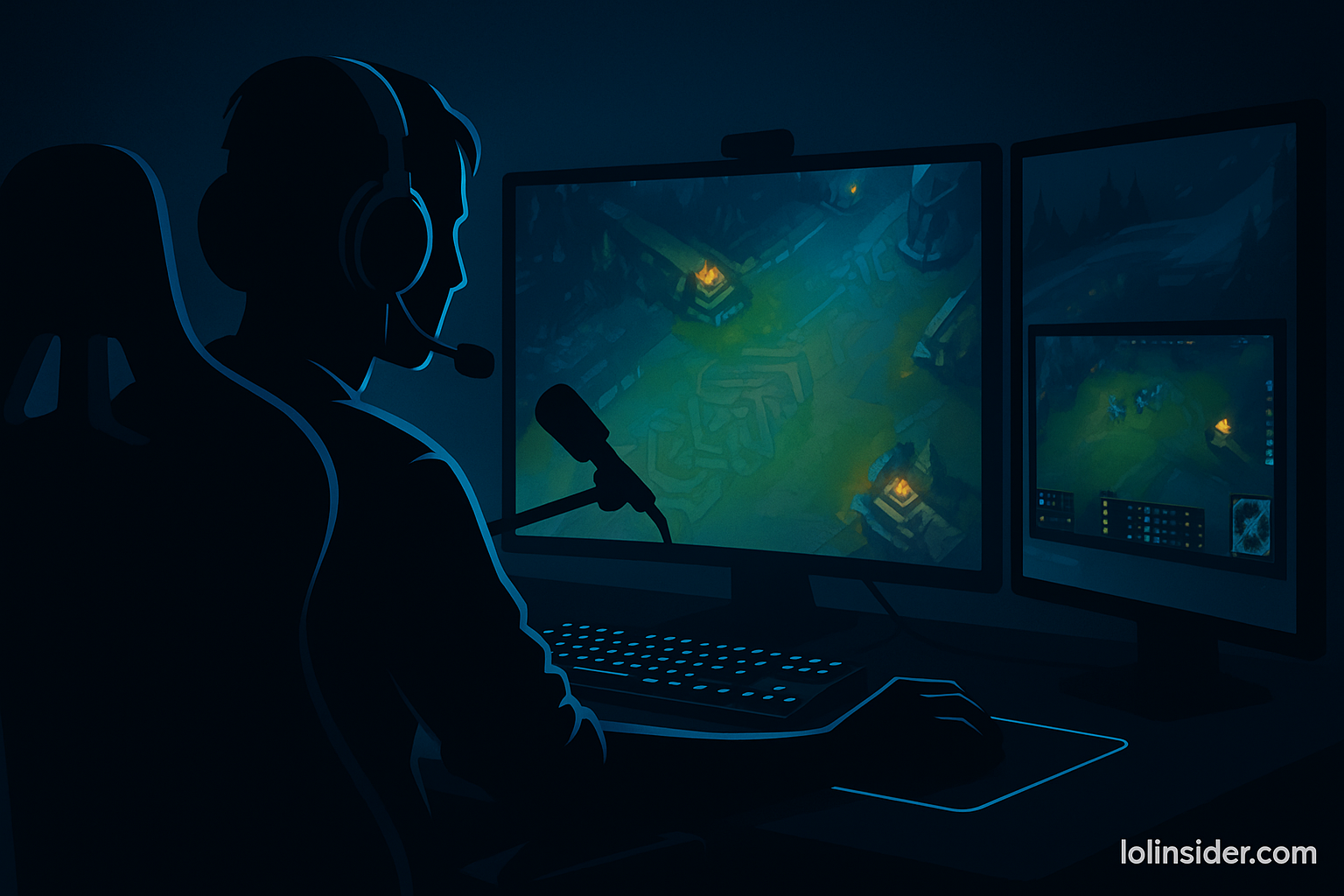
6. Streaming With a Webcam (Optional but Powerful)
A webcam helps you connect with viewers emotionally.
You don’t need a DSLR — even a Logitech C922 or Elgato Facecam works great.
Webcam Tips:
- Good lighting (ring light or daylight window)
- Frame yourself top-right or bottom-left
- Keep background clutter-free
- Match color tone to LoL’s aesthetic (cool or neutral tones)
Bonus: Add a soft gold or cyan backlight to match the LoL Insider color scheme.
7. Stream Alerts, Chat, and Interactions
Engagement = retention.
Use tools to keep viewers active and make your stream memorable.
Essential Tools:
- StreamElements – Alerts, overlays, donation tracking
- Nightbot – Chat moderation and commands
- MixItUp – Sound effects or follower goals
Fun Chat Commands:
!rank– Display your current elo!main– Show your favorite champions!discord– Share your community link
Every 10 minutes, engage directly:
“Chat — should I go AP or AD build this game?”
8. How to Stream LoL Like a Pro
Warm Up Before Going Live
Play a custom or normal game before ranked — stream warmups reduce on-camera mistakes.
Plan Your Sessions
- 2–4 hours = ideal stream length for growth.
- Avoid burnout; schedule regular breaks.
Use a Stream Schedule
Post weekly schedules on social media like:
“Streaming Live – Yasuo Road to Diamond 🌪️ | 18:00 CET – lolinsider.com”
Consistency builds loyalty more than any fancy overlay.
9. How to Stream on Twitch
Connecting Twitch to OBS:
- Go to your Twitch Dashboard.
- Copy your Stream Key.
- Paste it into OBS → Settings → Stream → Service: Twitch.
Optimize Tags & Category:
- Category: League of Legends
- Tags:
English,Ranked,Educational,Chill Stream,ARAM, etc.
Engagement Tips for Twitch:
- Welcome every chatter by name.
- Use Twitch Panels for schedule and socials.
- Add channel points for fun redemptions (e.g., “Play Yuumi Next Game”).
10. How to Stream on YouTube
Connecting YouTube to OBS:
- Go to YouTube Studio → Go Live → Stream Settings.
- Copy your Stream Key.
- Paste it in OBS under Settings → Stream → Service: YouTube.
Optimize Metadata:
- Title: “Live League of Legends Ranked | Patch 15.15 – Diamond Grind”
- Description: Include keywords and social links.
- Tags:
League of Legends,LoL Live,Ranked,Streamer,Guide.
Engagement Tips for YouTube:
- Pin messages in chat (e.g., “Follow me on Twitch for daily clips!”)
- Create custom thumbnails for live events
- Repurpose full streams into highlight videos
YouTube Bonus: Keep VODs public — they help you rank in search even after the stream ends.
11. Growing Your LoL Stream
Post Highlights on Shorts/TikTok
Cut 20–30 second moments of hype or fails.
Use caption tools like CapCut and tag #LeagueOfLegends #LoLClips.
Collaborate With Others
Duo with other creators for cross-audience exposure.
Engage in Communities
Join LoL Discords or Reddit’s r/LeagueOfLegends clips threads.
Make Your Stream Unique
Think:
- “Coaching low-elo players live.”
- “League with only random builds.”
- “LoL sound-only challenge.”
Creativity > mechanical skill. Viewers remember uniqueness.
12. Monetization Tips
Once your stream grows, enable:
- Twitch Affiliate / Partner – subs, bits, ad revenue
- YouTube Monetization – ad income, memberships, Super Chats
- Affiliate Links – gear, peripherals, or Riot partner links
- Donations – via StreamElements or PayPal
Be transparent: viewers support creators who feel genuine, not greedy.
13. Common Streaming Mistakes to Avoid
❌ Ignoring chat for too long
❌ Overly cluttered overlays
❌ Low mic or game volume imbalance
❌ Streaming too rarely
❌ No schedule consistency
Viewers value connection over perfection. Show personality, not polish.
14. Example Streaming Workflow (Pro Template)
Before Stream:
✅ Check mic & game sound
✅ Update title, category, tags
✅ Tweet or post your link
During Stream:
🔥 Greet new viewers
🔥 Talk through decisions
🔥 Clip hype moments
After Stream:
🎬 Download VOD
🎥 Cut best moments for TikTok
📢 Post highlights on YouTube Shorts
Each stream is content — don’t let it vanish when you hit “End.”
15. Conclusion
Learning how to stream LoL on Twitch and YouTube is about more than tech — it’s about personality, consistency, and creativity.
You don’t need a massive setup to succeed. You need energy, authenticity, and content your viewers connect with.
Whether you’re grinding solo queue or chilling in ARAM, your stream can grow with the right approach.
“Play with passion. Stream with purpose. Grow with patience.”